Version 2.4 of the Connect Mesh App expands device support across the Häfele ecosystem. The update adds new hardware families, improves configuration for specialised devices, simplifies how existing products appear in the app, and makes importing existing EasyPairing networks more reliable.
The complete Schüller device family is now supported in the app. Each device is available with full device mappings, dedicated device screens, and configurable power-up default settings — so lights behave as expected from the moment they are switched on.
The Digibox is now available as a custom device type in the app. The new device supports segment-based light settings and digital animations when turning attached lights on/off. It is exclusive to our partner Schüller Möbelwerk GmbH.
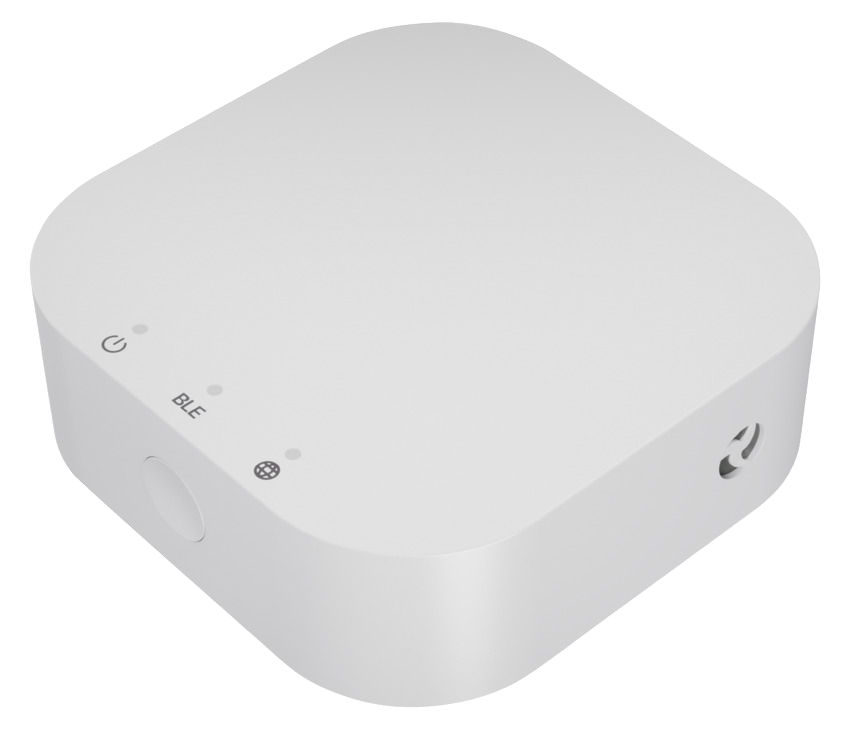
The new Connect Mesh Gateway hardware is now supported. Add and configure the latest gateway generation in your network to connect your mesh installation to smart home services and cloud features. For general setup steps, see the Gateway Setup guide.
Importing existing EasyPairing networks into the app is now more reliable. Unreachable devices are automatically skipped and retried during the import, so temporary connectivity issues no longer derail the process. The import screen has also been redesigned to show live progress as your network is imported.
Version 2.3 of the Connect Mesh App introduces significant improvements to sensor control and network management. The highlights include a new runtime-based sensor mode for multi-sensor setups and the ability to import existing EasyPairing networks directly into the app.
Previously, motion sensors could only control one group, and having multiple sensors per group would cause interference. The new runtime mode moves the timer logic from the sensor to the lights themselves. Each light now has its own configurable runtime setting that determines how long it stays on after being triggered.
When you turn on a light with runtime enabled - whether by motion sensor, switch, or app - it will automatically turn off after the specified duration. Multiple triggers will reset and extend the runtime, keeping your lights on as long as there's activity.
For convenience, apply runtime settings to an entire group at once - all devices in the group will inherit the same runtime
Add multiple motion sensors and switches to the group as needed
Migration assistance
If you have existing motion sensor setups, the app will guide you through migrating to the new runtime mode, ensuring a smooth transition without losing your current configurations.
You can now import existing EasyPairing networks directly into the Connect Mesh App, unlocking the full potential of your devices without starting from scratch. Since the EasyPairing provisioner holds all information about the network, it is required to replace devices or add new ones to your network and needs to be available for the EasyPairing import. This makes importing especially important before your original provisioner device gets lost or damaged, as the EasyPairing network would otherwise become unmanageable. By importing the network into the app, the app takes over as the provisioner.
EasyPairing allows quick setup of mesh devices without the app, perfect for basic installations. However, its capabilities are limited compared to the full app experience. Previously, upgrading to the app meant resetting all devices and reconfiguring everything from the beginning - a time-consuming and frustrating process. The new import feature preserves all your devices, groups, scenes, and basic settings during the transition.
After importing, the network can no longer be managed via EasyPairing to prevent configuration conflicts
Full support for multiport devices is included, allowing seamless configuration of multiple lights connected to a single Mesh Box
Perfect for installers
This feature is ideal for installers who set up basic networks with EasyPairing and later hand over to end users who want the full app experience. No more starting from scratch!
Configure the physical orientation of your Enocean switches directly from the app. If you've installed a switch in a rotated position, you can now adjust its orientation in the settings to ensure the buttons work as expected - no need to physically reinstall the device.
Need to change your Gateway's network connection? You can now clear the WiFi credentials directly from the Gateway settings in the app. This makes it easy to move your Gateway to a different network or troubleshoot connectivity issues without having to perform a factory reset. For more details on WiFi setup, see the Smart Home Gateway Setup guide.
Enhanced device replacement for compatible devices
The device replacement feature has been expanded to support compatible devices of different types. You can now replace a faulty device with a similar but not identical model, and the app will intelligently transfer all applicable settings, groups, scenes, and schedules. This flexibility makes maintenance and upgrades much easier.
For Jung switches, you can now configure edge detection settings directly in the app. This allows you to customize how the switch responds to button presses, enabling more precise control over your lighting setup.
We’re excited to announce a major update to our app, packed with new features and enhancements designed to improve your experience. Below is a breakdown of the key changes:
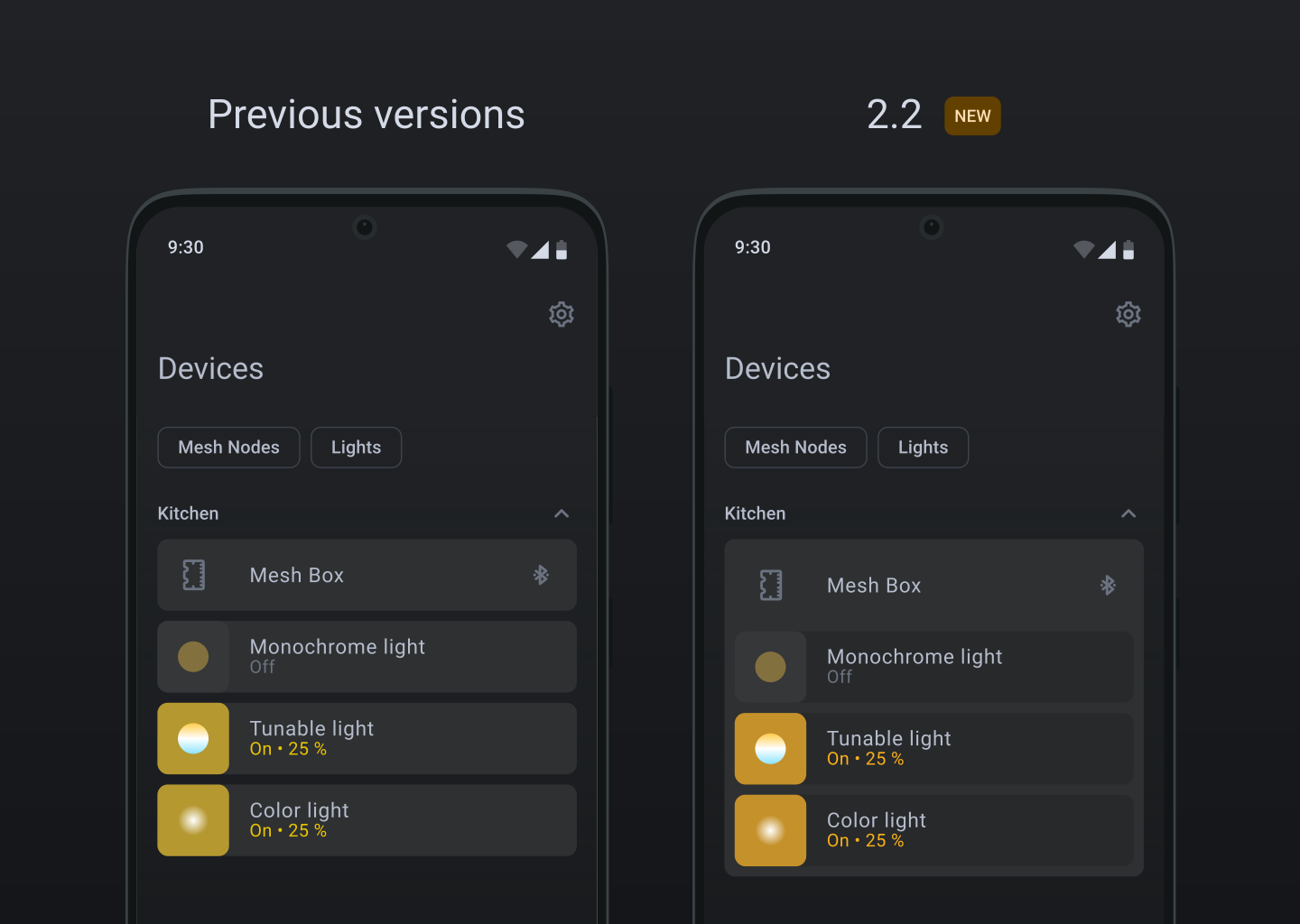
Parent devices (e.g. Mesh Boxes) containing children (individually configured lights) are now grouped visually, making it easier to navigate and manage your devices.
You can now press the device icon of a device inside your network from the device overview list or from within the device detail view to identify them.
You can now replace broken or unreachable devices from their device settings and transfer the entire configuration, including groups, scenes, and schedules, to a new device. By cloning a device from its device settings, you can add another device of the same type and copy the configuration from the original device.
In advanced mode, you can also prepare a device for handover to another app that is compatible with Bluetooth® Mesh. This is a soft-reset of the device, but will keep some of the device settings (e.g. meshbox port configuration). Another app that can control lights, but does not support reconfiguration of the meshbox can now be used to control the device.
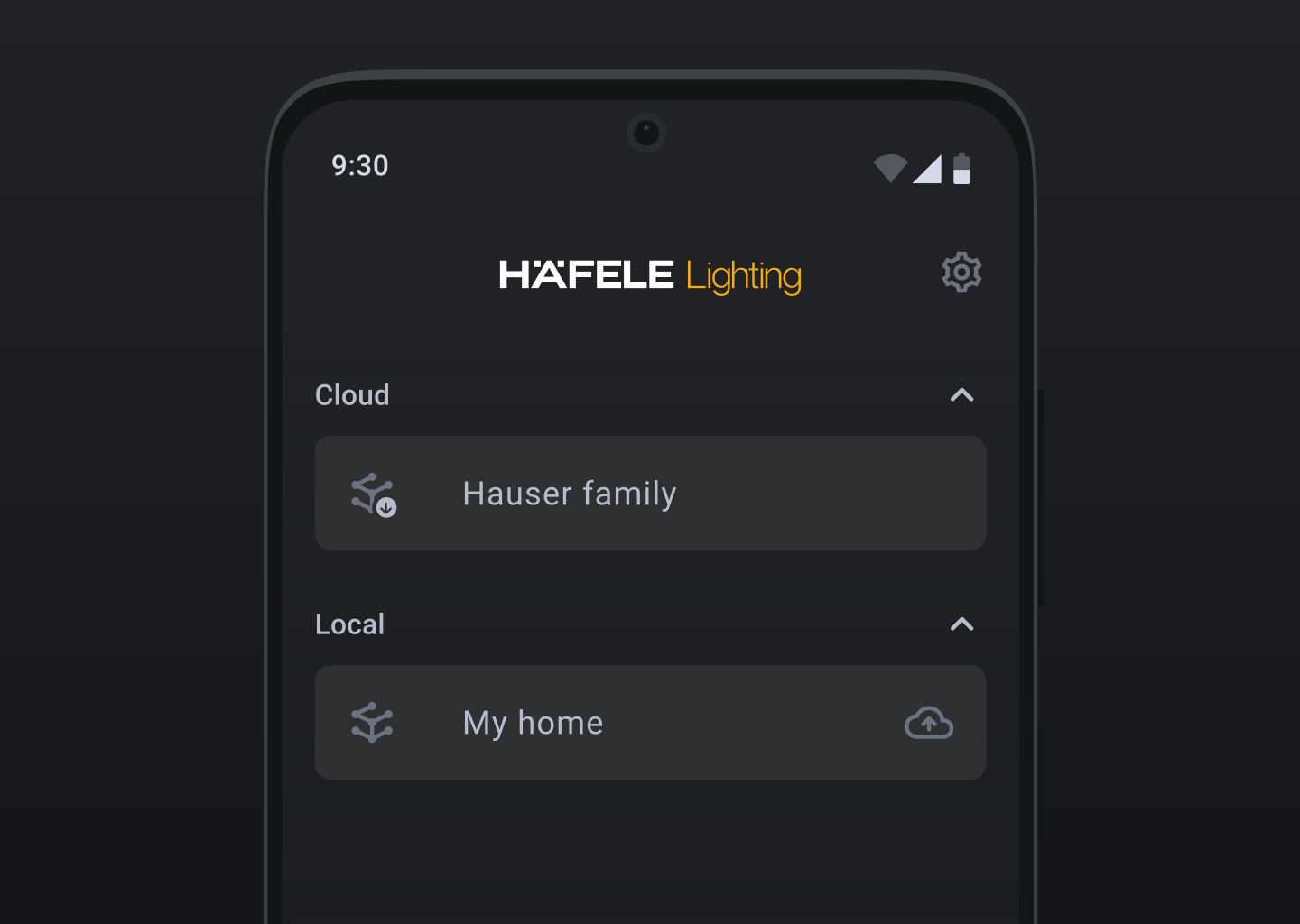
Sign in to your Häfele Connect Cloud account to synchronize your networks to ensure that your data is always up-to-date and accessible from any device.
We have introduced the first version of cloud sharing. You can now share your network between different devices by scanning a QR code displayed on the administrator device.
If there is no matching group for your scene creation, you can now create a group right within the process to control all devices at once. The created group will then also be available in the groups tab.
The homescreen on tablets has been redesigned and visually updated. It now allows you to reorder the elements by dragging them around in "Edit mode" on both tablet and smartphone.
Updating all devices in your network was previously a time-consuming process that required updating each device individually. Now you can initiate an update for all devices in a room simultaneously, and the updates will automatically proceed one after another without manual intervention. You still have to wake up battery-powered devices as they would otherwise not be reachable to update.
Presets and restoration for scenes on third party devices
Default light presets of the app are now available on third-party devices. Additionally, saving scenes for third-party devices is now possible.
We’re excited to announce a major update to our app, packed with new features and enhancements designed to improve your experience. Below is a breakdown of the key changes:
We’ve unified sensor port settings across the app for a more streamlined experience. You don't have to choose which kind of loox sensor you want to connect to your meshbox anymore, as the meshbox will handle all of them automatically.
Editing global presets has never been easier! This update allows you to customize and manage your presets more effectively. Beware that only newly added devices will use the changed preset values.
We've added a "Repeat" button and a helpful infobox to the device search screen when no devices are found. This ensures that if your first search doesn't yield results, you can easily try again with clear instructions.
You can now customize the appearance of your device overview and scene summary by choosing to display temperature and color information. This gives you more control over how your devices are presented.
We've added a feature that allows you to reset the color/temperature picker to the center with a single tap, making it easier to revert to default settings.
New devices will now be automatically named based on their type, with numbers assigned sequentially. This saves you the hassle of manually naming each new device.
Before saving your settings, you can now configure all buttons on a Wall Switch, Jung Switch, Wall Controller, or Kinetic Switches. This provides greater flexibility in how your switches operate.
While configuring remotes, switches, and sensors, the app now checks if a group with the selected devices already exists, preventing duplication and ensuring efficient management.
Multiple Gateways Warning: We’ve added a limitation warning when attempting to add multiple gateways to prevent configuration conflicts.
Lock Scene Fix: A fix has been applied for adding locks to scenes, ensuring seamless operation.
New Debug View: Developers and advanced users will benefit from a new debug view for more in-depth troubleshooting.
Migration Infobox: A migration infobox has been added to the dashboard to assist with transitions.
Device Update Indicator: The device detail screen now shows indicators when an update is available, so you never miss an important update.
This update is a significant step forward in making our app more user-friendly, reliable, and feature-rich. We’re committed to continuously improving your experience and can’t wait for you to try out these new features!
With Version 2.0, a completely revised version of the Connect Mesh App is made available to you. A special focus was placed on simple setup and intuitive and comfortable operation. In addition, a large number of major and minor improvements and features have been added. These include, among others:
"Dashboard" on the home screen with quick access to rooms, groups, scenes, and devices
Setup mode for installers, and control mode for end-users
Rooms
Scenes without fixed assignment to groups
Schedules for automated control
Gateway Support and Amazon Alexa integration
Quick setup for Wall Switches
Secondary functions for Wall Switches
Numerous Firmware improvements
Firmware with Easy Pairing support
Support for new devices (2-channel Mesh Boxes, LSC devices, R-One devices, professional drivers, etc.)